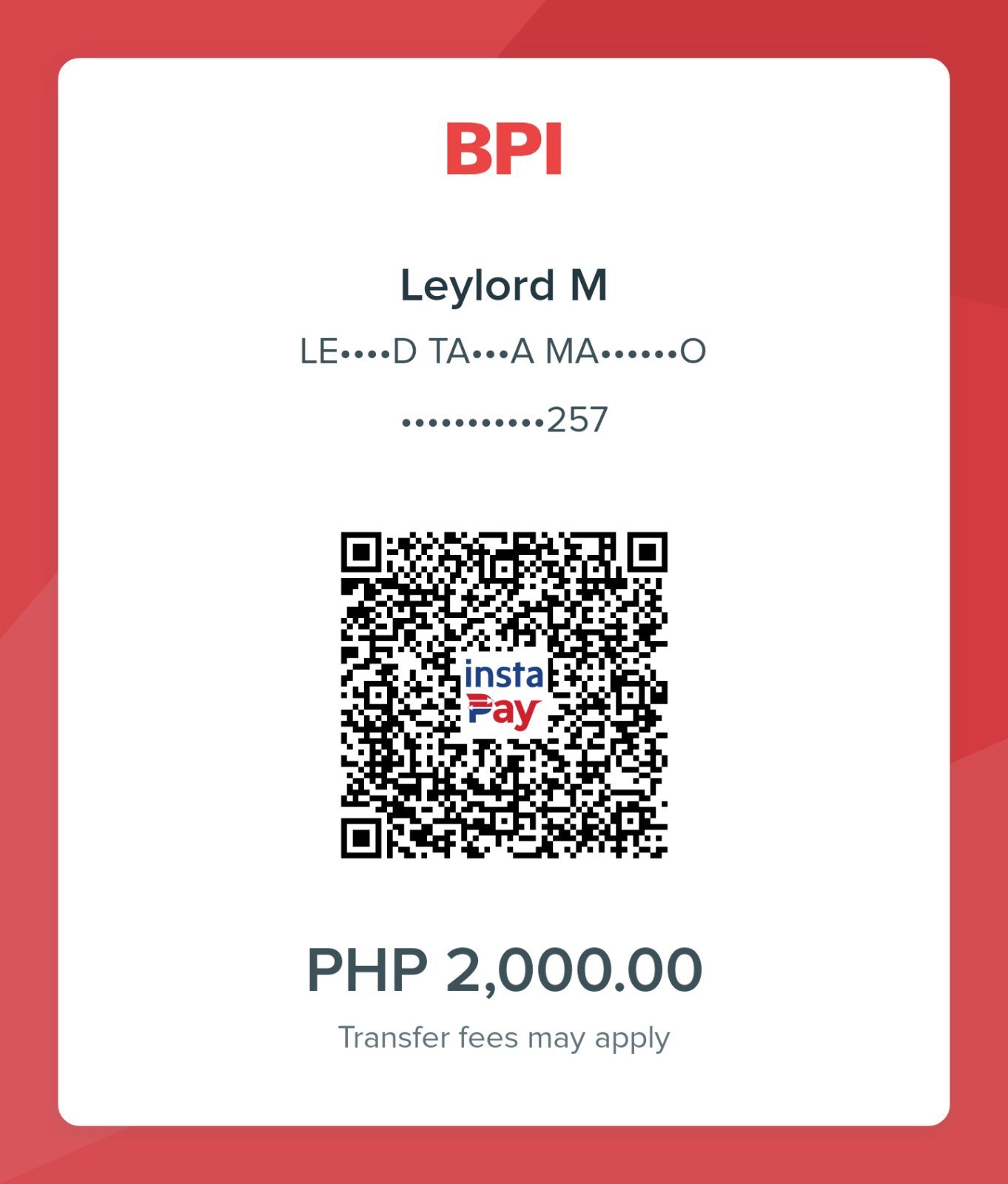
Secure Payment
Scan, pay, then book your schedule
Step 1 · Scan & Pay
Tap the QR to zoom on mobile
Step 2 · Upload Proof of Payment
Upload & Continue
Step 3 · Book Your Schedule
I’ve Completed My Booking